Go into event day knowing who’s working.
Built for casino party, catering, and event operators managing their own people. Set your positions, call times, and flat pay. Assign your staff directly or let them sign up from their phones, and see exactly what still needs covering.
30-day free trial for new organizations. No card needed.
For casino party, catering, and AV businesses scheduling their own event staff.
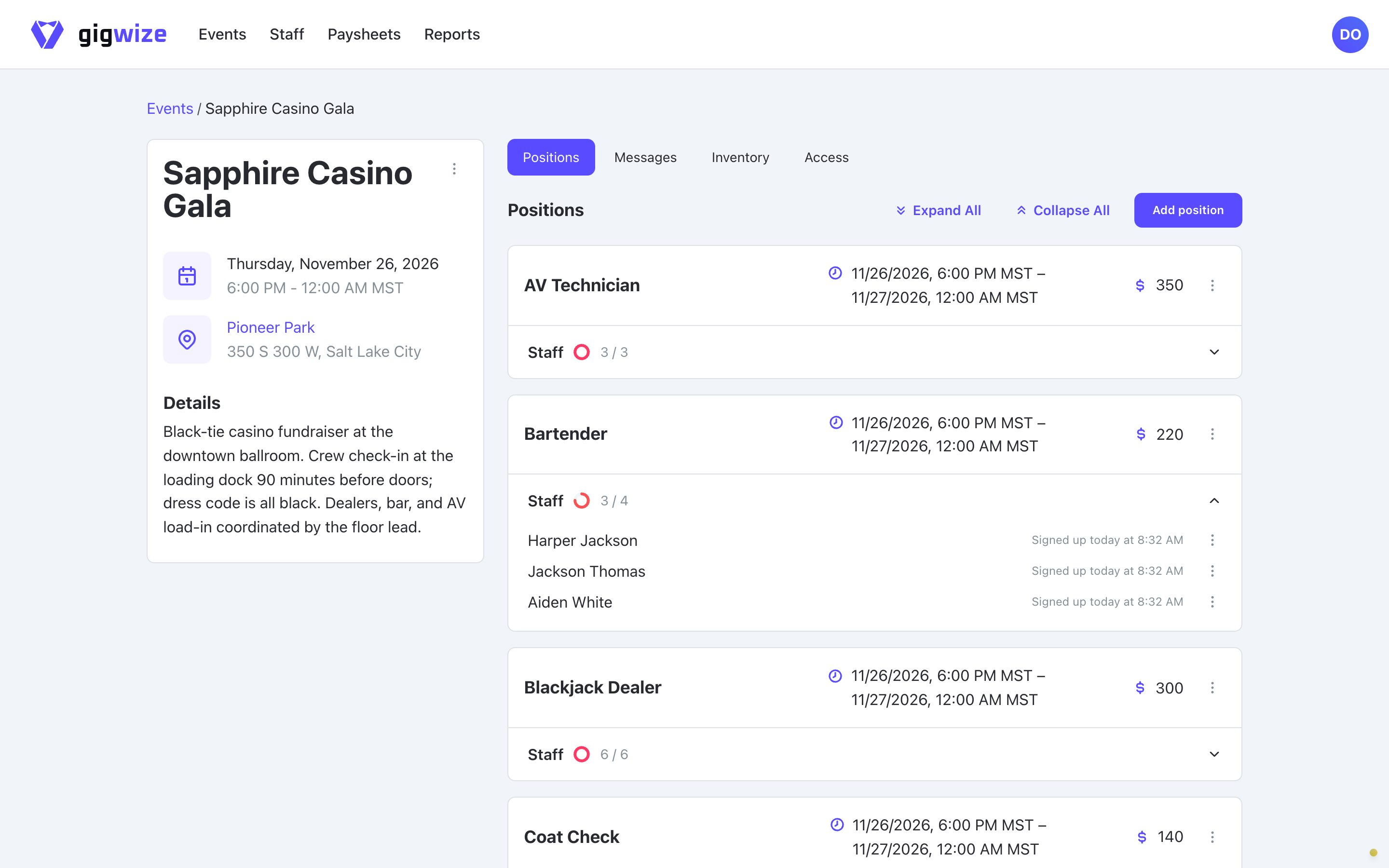
See exactly where your lineup still needs you
Check the filled and open spots for every position on your roster. You can assign someone you already have lined up, or let your staff sign up from their phones for positions linked to their profile within events they can access.
When a spot opens up, your coverage view makes it clear exactly what you still need to cover with your crew.
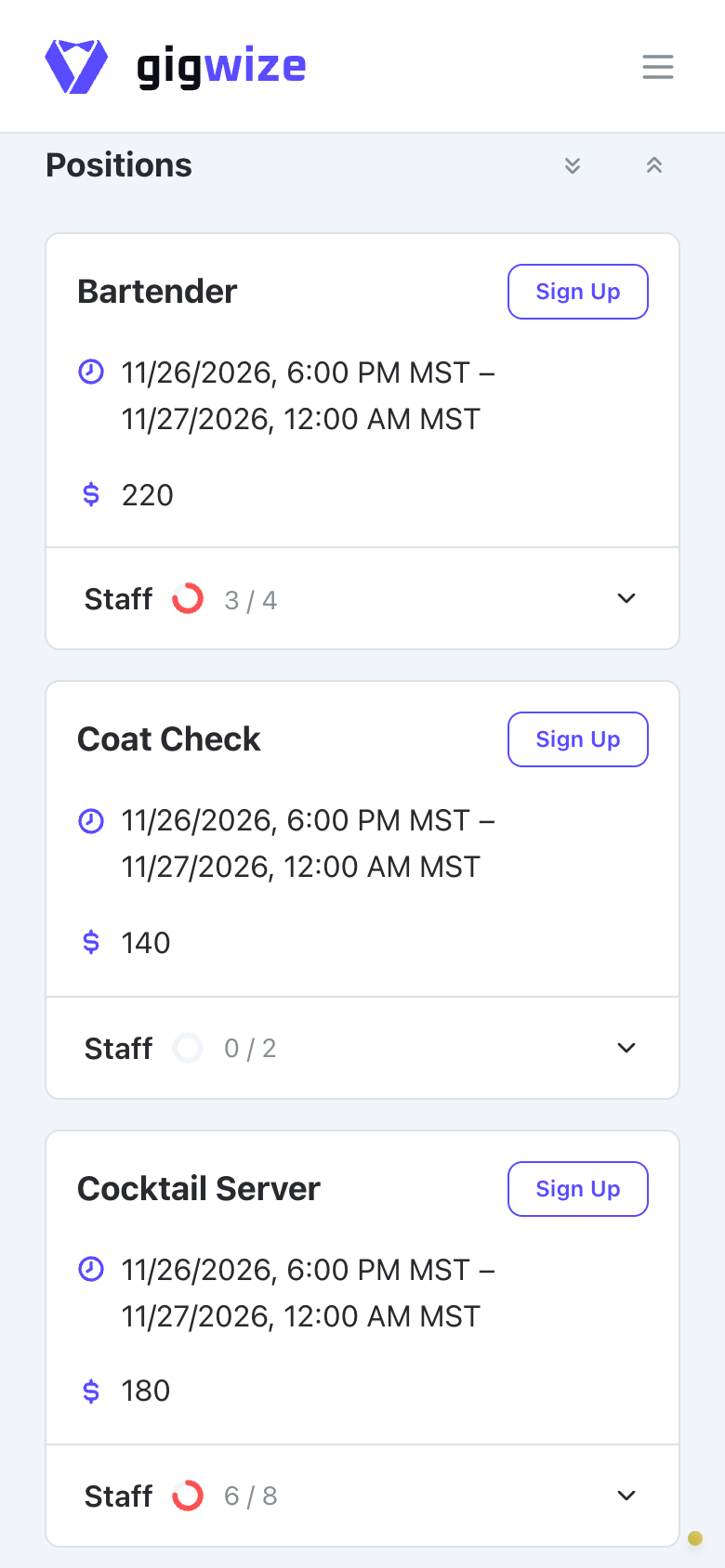
Handle event staff no-showsGive your crew a single place to check the event plan
Keep the venue details, call times, and arrival instructions attached right to the event. If plans change, post an event message so your assigned staff can read the update alongside their assignment details.
Replace event staff group textsAlready checking your plans with AI? Connect an AI assistant for read-only access to your events, assignments, and paysheets.
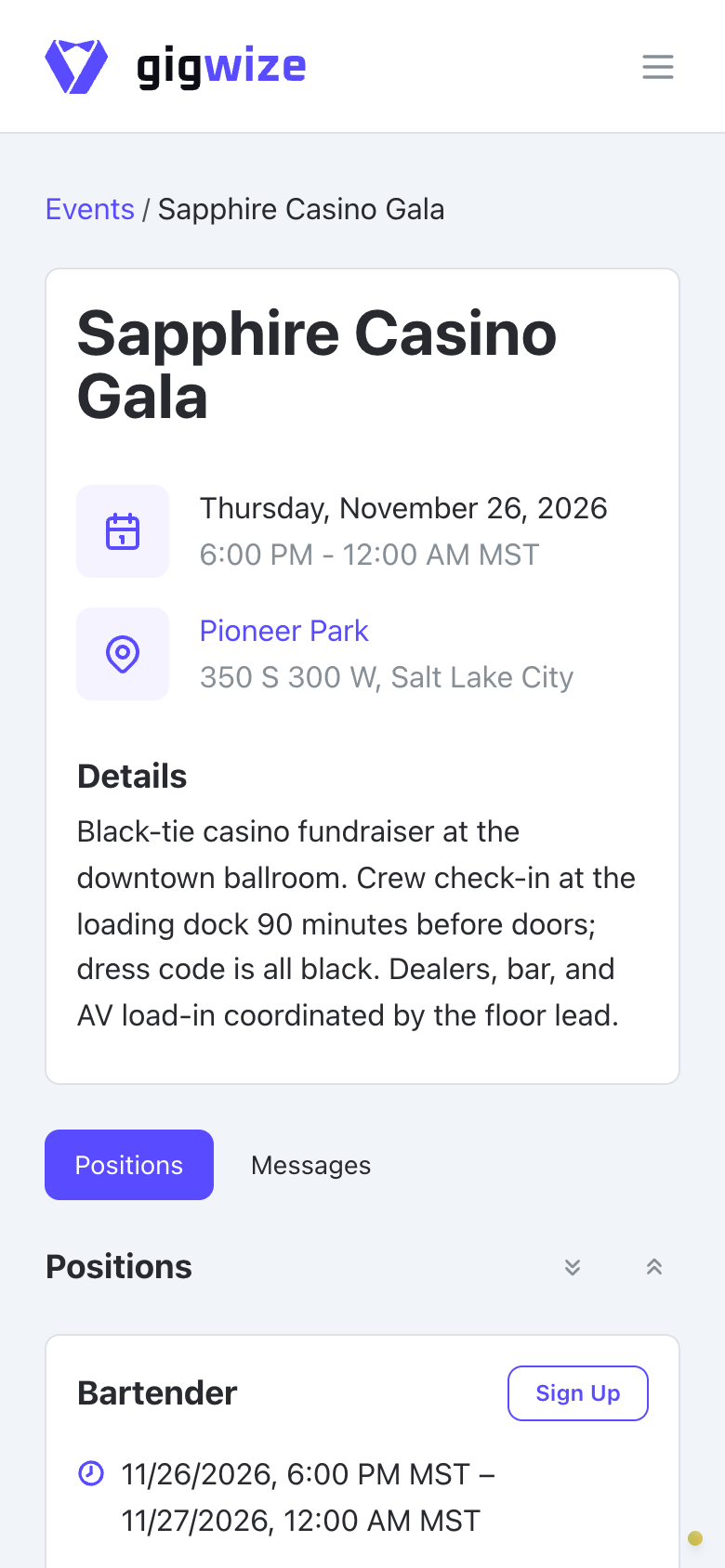
After the event, know exactly what you owe everyone.
Staff paysheets automatically collect their event line items and total flat pay for you to review.
See how staff pay stays on recordTry the workflow on your next event
- 1
Invite a few of your regulars
Have your core staff create their profiles. Mark the positions each person can work.
- 2
Set up one upcoming event
Enter the headcount, call times, and flat pay for every position. Add the venue and any arrival instructions they need.
- 3
Watch the lineup take shape
Assign people directly or let eligible staff sign up. Check your coverage to see the positions that still need someone.
30-day free trial for new organizations. No card needed.
Start with the kind of event you run
Map out the specific dealer positions for a casino party, or plan the setup, service, and breakdown positions for catering.
Know what you owe before you pay
Review each person’s event line items and total amount owed on their paysheet. Pay them through your usual external method, then mark the paysheet paid and save your payment reference right in GigWize.
Every plan includes flat-pay paysheets. GigWize doesn't send money or process payroll. The actual payments and tax reporting stay in your separate tools.
Track flat pay for independent event staff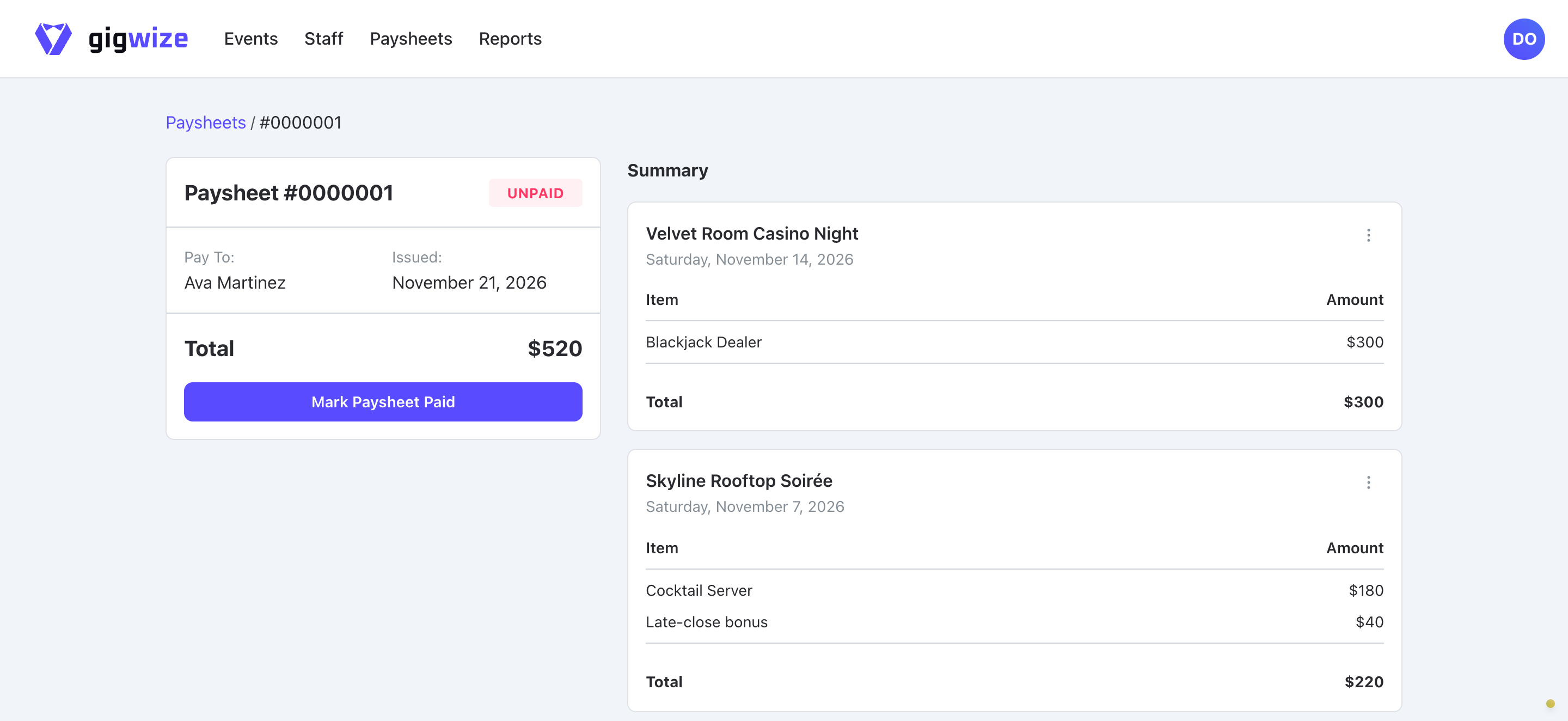
Pick a plan that fits how many events you run
Add your whole crew on any plan. Your monthly price includes event and text-message allowances, with the extra-usage rates shown below. Compare plans against the number of events you expect to create each month.
Starter
Getting your first events off the group text
- Unlimited crew, no per-seat fees
- 5 events per month included
- Then $7 per extra event
- Event positions and staffing coverage
- 800 text messages per month included
- Then $0.02 per extra text message
- Staff paysheets
30-day trial for new organizations. No card needed.
Growth
Agencies running events most weeks
- Unlimited crew, no per-seat fees
- 25 events per month included
- Then $4 per extra event
- Event positions and staffing coverage
- 2,000 text messages per month included
- Then $0.02 per extra text message
- Staff paysheets
30-day trial for new organizations. No card needed.
Scale
High-volume operators with a busy season
- Unlimited crew, no per-seat fees
- 60 events per month included
- Then $2 per extra event
- Event positions and staffing coverage
- 6,000 text messages per month included
- Then $0.02 per extra text message
- Staff paysheets
30-day trial for new organizations. No card needed.
What an example month costs
With 7 created events on Starter, the $59 base price plus $14 for 2 extra events totals $73. This example assumes no extra text-message charges and is before tax. Extra text messages use the rates shown above.
Every event you create counts toward your plan's events, including events you later cancel. See your event count and any extra charges on the Billing page.
Questions, answered
Get a clear lineup for your next event
Invite a few regular staff and run one upcoming event through GigWize during your 30-day free trial. New organizations can start without a card.
No card needed to start your trial.